Documentation Index
Fetch the complete documentation index at: https://docs.velt.dev/llms.txt
Use this file to discover all available pages before exploring further.
React / Next.js
Other Frameworks
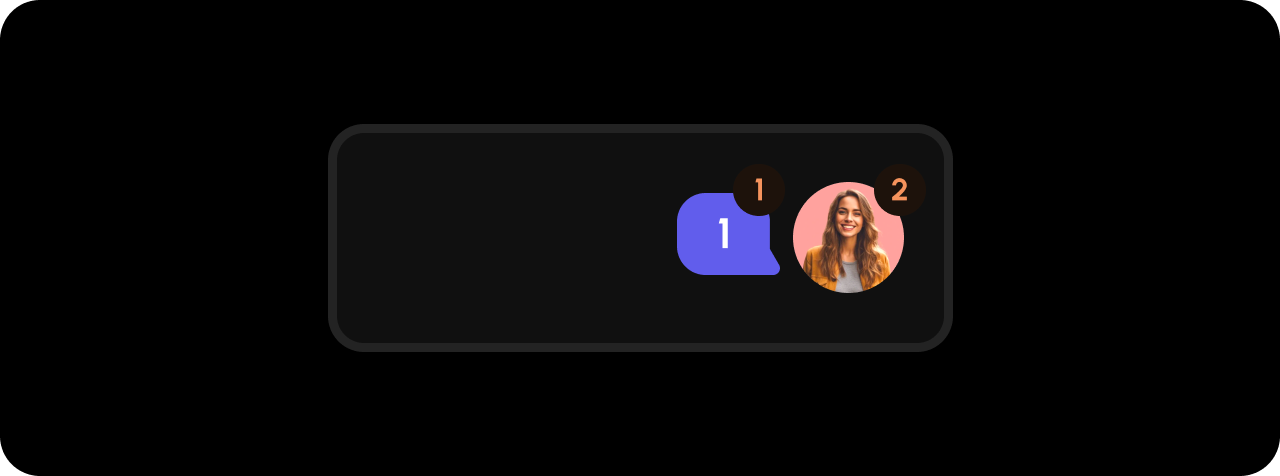
<VeltWireframe>
    <VeltCommentBubbleWireframe>
        <VeltCommentBubbleWireframe.CommentsCount />
        <VeltCommentBubbleWireframe.Avatar />
        <VeltCommentBubbleWireframe.UnreadIcon />
    </VeltCommentBubbleWireframe>
</VeltWireframe>
<velt-wireframe style="display:none;">
    <velt-comment-bubble-wireframe>
        <velt-comment-bubble-comments-count-wireframe></velt-comment-bubble-comments-count-wireframe>
        <velt-comment-bubble-avatar-wireframe></velt-comment-bubble-avatar-wireframe>
        <velt-comment-bubble-unread-icon-wireframe></velt-comment-bubble-unread-icon-wireframe>
    </velt-comment-bubble-wireframe>
</velt-wireframe>
React / Next.js
Other Frameworks
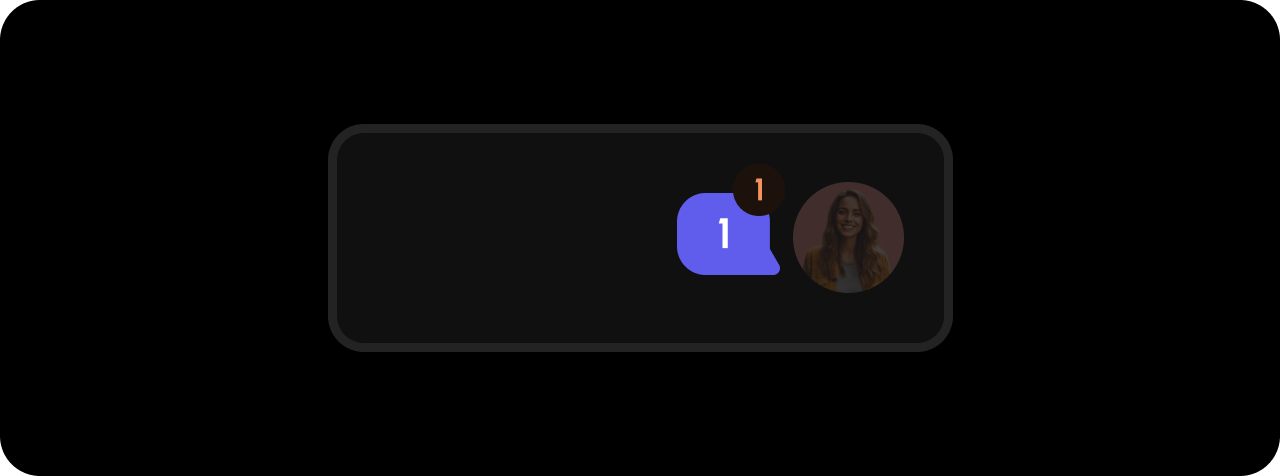
<VeltWireframe>
    <VeltCommentBubbleWireframe.CommentsCount />
</VeltWireframe>
<velt-wireframe style="display:none;">
    <velt-comment-bubble-comments-count-wireframe></velt-comment-bubble-comments-count-wireframe>
</velt-wireframe>
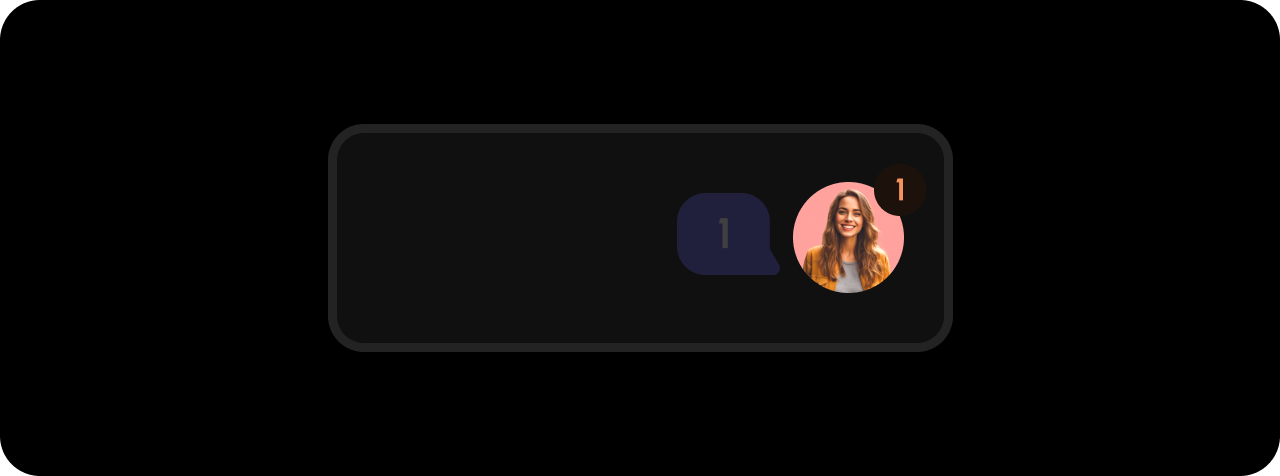
Avatar
React / Next.js
Other Frameworks
<VeltWireframe>
    <VeltCommentBubbleWireframe.Avatar />
</VeltWireframe>
<velt-wireframe style="display:none;">
    <velt-comment-bubble-avatar-wireframe></velt-comment-bubble-avatar-wireframe>
</velt-wireframe>
UnreadIcon
React / Next.js
Other Frameworks
<VeltWireframe>
    <VeltCommentBubbleWireframe.UnreadIcon />
</VeltWireframe>
<velt-wireframe style="display:none;">
    <velt-comment-bubble-unread-icon-wireframe></velt-comment-bubble-unread-icon-wireframe>
</velt-wireframe>
Styling
Disable ShadowDOM
- By default, ShadowDOM is used to ensure that your app’s CSS does not interfere with the styling of the SDK components.
- Disable the shadow dom to apply your custom CSS to the component.
Default: true
React / Next.js
Other Frameworks
<VeltCommentBubble shadowDom={false} />
<velt-comment-bubble shadow-dom="false"></velt-comment-bubble>
Dark Mode
By default, all components are in Light Mode, but there are several properties and methods to enable Dark Mode.
Default: false
React / Next.js
Other Frameworks
Using Props:<VeltCommentBubble darkMode={true} />
const commentElement = client.getCommentElement();
commentElement.enableDarkMode();
commentElement.disableDarkMode();
Using Props:<velt-comment-bubble dark-mode="true"></velt-comment-bubble>
const commentElement = Velt.getCommentElement();
commentElement.enableDarkMode();
commentElement.disableDarkMode();
Open Dialog on Click
Control whether the comment dialog opens when the bubble is clicked.
Default: true
React / Next.js
Other Frameworks
<VeltCommentBubble openDialog={false} />
<velt-comment-bubble open-dialog="false"></velt-comment-bubble>

