Documentation Index
Fetch the complete documentation index at: https://docs.velt.dev/docs/llms.txt
Use this file to discover all available pages before exploring further.
Configuration
inactivityTime
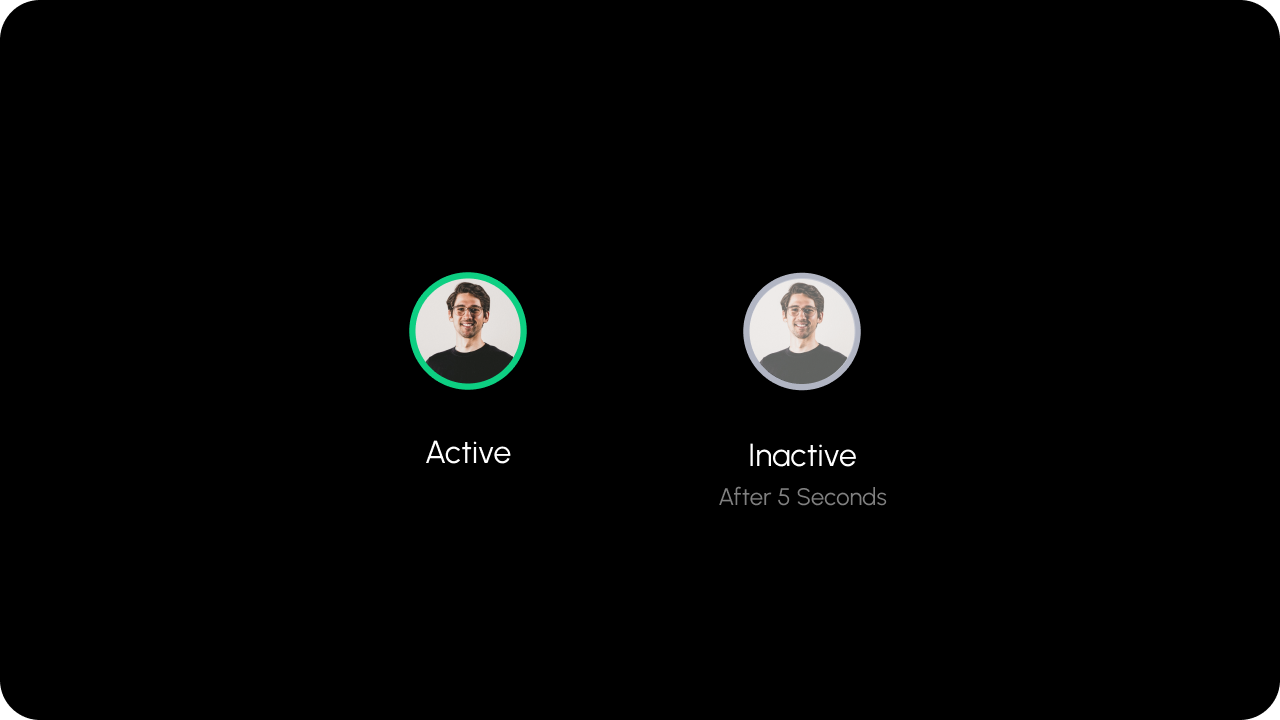
- Configure when a user is considered inactive after being inactive.
- These are considered as inactive:
- no mouse movement
- no keyboard activity
- This is in milliseconds.
- This will set the following fields in the presence user object:
onlineStatus to awayisUserIdle to true
Note about tab focus:
- If a user’s tab is unfocused, we immediately update following fields in the presence user object:
onlineStatus to awayisTabAway to true
Default: 300000 (5 min)
React / Next.js
Other Frameworks
<VeltPresence inactivityTime={30000} />
const presenceElement = client.getPresenceElement();
presenceElement.setInactivityTime(30000);
<velt-presence inactivity-time="30000"></velt-presence>
const presenceElement = Velt.getPresenceElement();
presenceElement.setInactivityTime(30000);
maxUsers
- Set how many
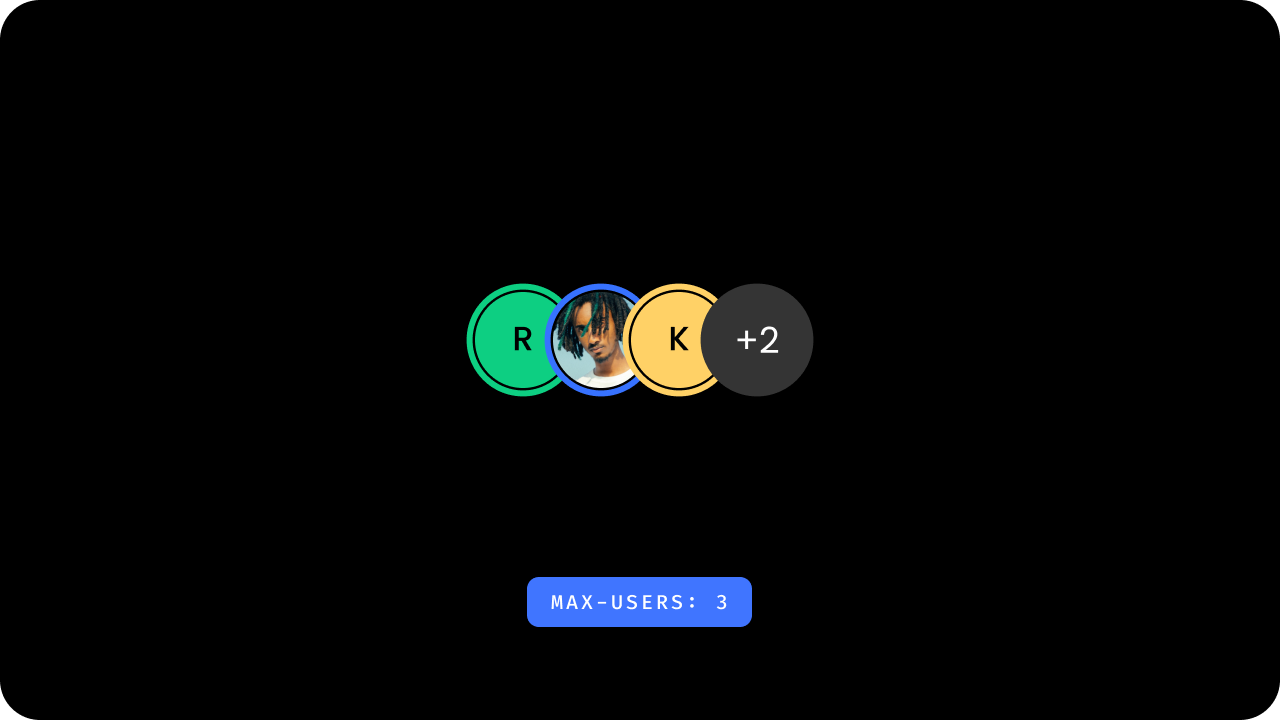
Presence avatars to display at a time.
- You can set this via the
maxUsers attribute. Any extra avatars will be hidden and shown in an avatar which indicates the number of extra Users.
React / Next.js
Other Frameworks
<VeltPresence maxUsers={3} />
<velt-presence max-users="3"></velt-presence>
offlineInactivityTime
- Configure when a user is considered offline if they do not take any action on the document within the specified timeframe.
- User is also marked offline if they lose internet connection.
- This is in milliseconds.
- This will set the
onlineStatus field in the presence user object to offline if they are inactive for the given time.
Default: 600000 (10 min)
React / Next.js
Other Frameworks
<VeltPresence offlineInactivityTime={600000} />
<velt-presence offline-inactivity-time="600000"></velt-presence>
self
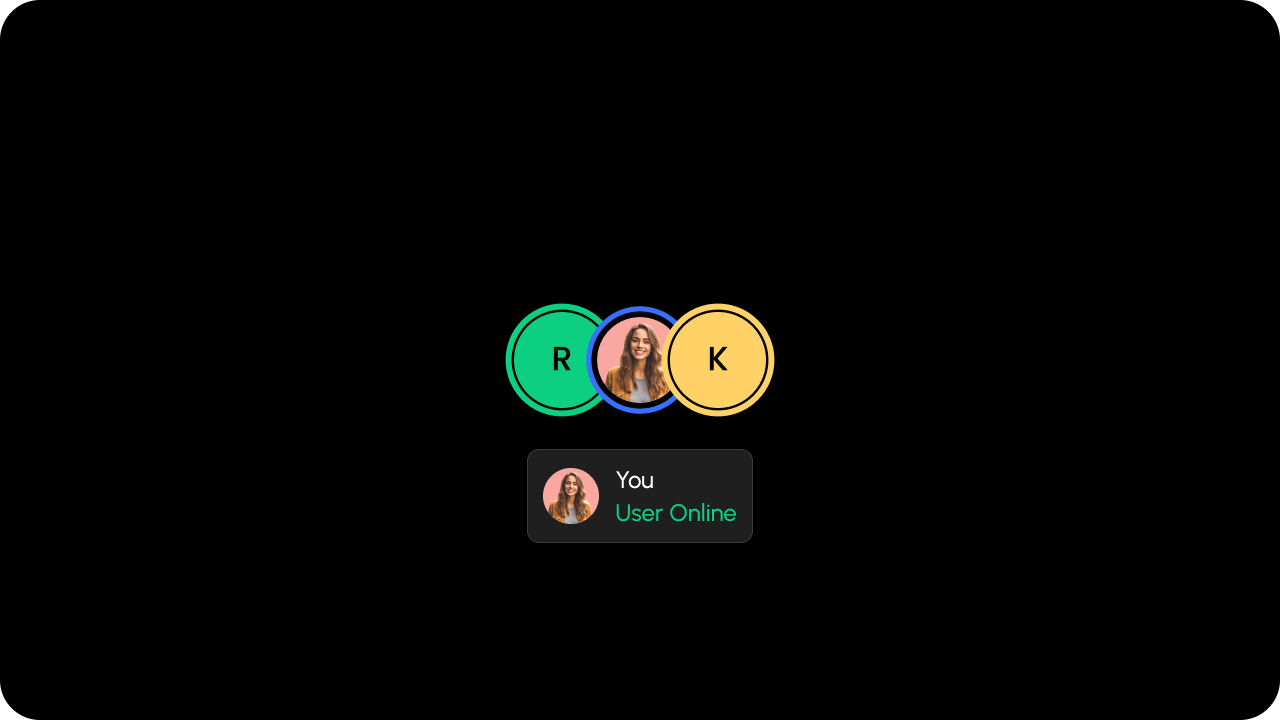
- Whether to include yourself in the list of
Presence users.
- Default:
true
React / Next.js
Other Frameworks
<VeltPresence self={false} />
const presenceElement = client.getPresenceElement();
presenceElement.enableSelf();
presenceElement.disableSelf();
<velt-presence self="false"></velt-presence>
const presenceElement = Velt.getPresenceElement();
presenceElement.enableSelf();
presenceElement.disableSelf();
locationId
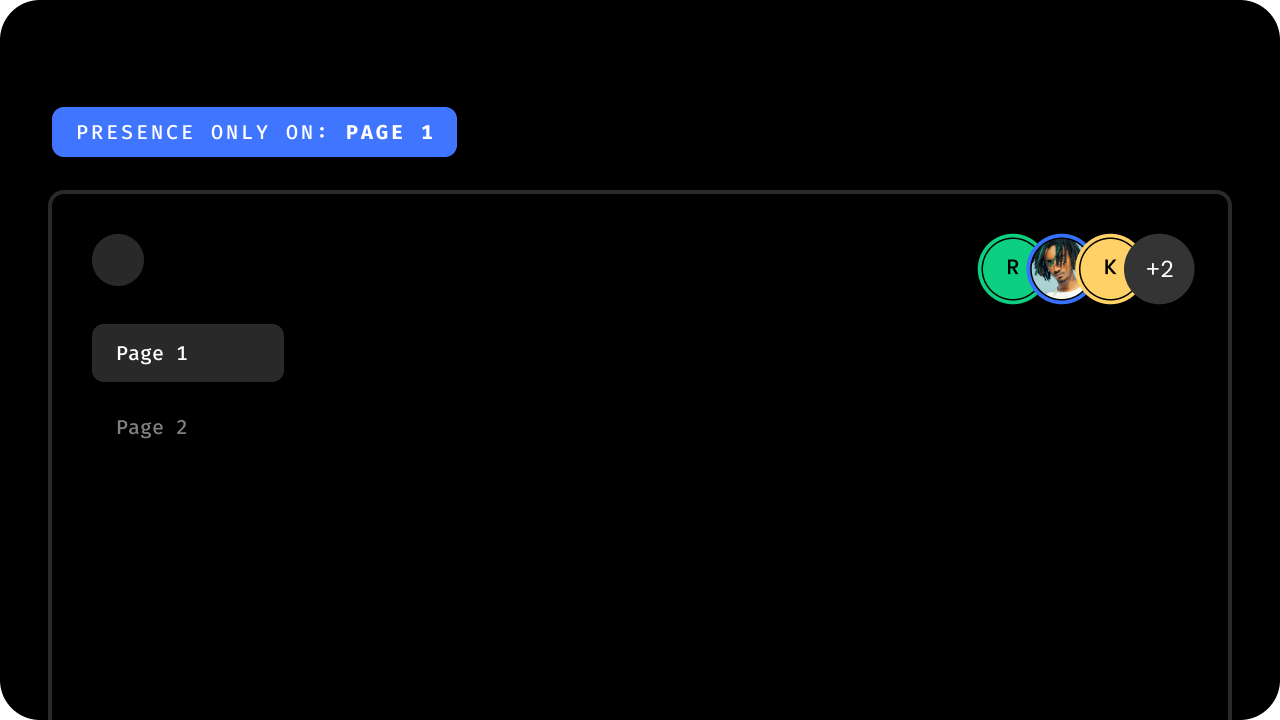
- Renders the Presence avatar if any user is active on the given
locationId.
React / Next.js
Other Frameworks
<VeltPresence locationId={"YOUR_LOCATION_ID"} />
<velt-presence location-id="YOUR_LOCATION_ID"></velt-presence>
Data
getData
React / Next.js
Other Frameworks
Using Hook:// Fetch users with status: online
const presenceData = usePresenceData({ statuses: ['online'] });
useEffect(() => {
if (presenceData && presenceData.data) {
console.log('Presence data (online users): ', presenceData.data);
}
}, [presenceData]);
// Fetch all users (no query)
const presenceData = usePresenceData();
useEffect(() => {
if (presenceData && presenceData.data) {
console.log('Presence data (all users): ', presenceData.data);
}
}, [presenceData]);
const presenceElement = client.getPresenceElement();
// Fetch online users
presenceElement.getData({ statuses: ['online'] }).subscribe((response: GetPresenceDataResponse) => {
    console.log("Presence data (online users): ", response.data);
});

// Fetch all users (no query)
presenceElement.getData().subscribe((response: GetPresenceDataResponse) => {
    console.log("Presence data (all users): ", response.data);
});
const presenceElement = Velt.getPresenceElement();
// Fetch online users
presenceElement.getData({ statuses: ['online'] }).subscribe((response) => {
    console.log("Presence data (online users): ", response.data);
});

// Fetch all users (no query)
presenceElement.getData().subscribe((response) => {
    console.log("Presence data (all users): ", response.data);
});
Programmatic User Management
- Programmatically add a custom user (e.g., AI agent, bot, system account) to the presence list for the current document.
- Set
localOnly: true to restrict the change to the current client without persisting to the database. Useful for showing local-only indicators such as AI agents visible only to the current user.
- Params:
{ user: Partial<PresenceUser>, localOnly?: boolean }
- Returns:
void
React / Next.js
Other Frameworks
const presenceElement = client.getPresenceElement();

// Add a persistent custom user
presenceElement.addUser({ user: { userId: 'ai-agent-1', name: 'AI Assistant' } });

// Add a local-only user (not persisted to database)
presenceElement.addUser({ user: { userId: 'local-bot', name: 'Local Bot' }, localOnly: true });
const presenceElement = Velt.getPresenceElement();

// Add a persistent custom user
presenceElement.addUser({ user: { userId: 'ai-agent-1', name: 'AI Assistant' } });

// Add a local-only user (not persisted to database)
presenceElement.addUser({ user: { userId: 'local-bot', name: 'Local Bot' }, localOnly: true });
- Programmatically remove a custom user from the presence list for the current document.
- Set
localOnly: true to restrict the removal to the current client (matches the localOnly flag used when adding the user).
- Params:
{ user: Partial<PresenceUser>, localOnly?: boolean }
- Returns:
void
React / Next.js
Other Frameworks
const presenceElement = client.getPresenceElement();

// Remove a persistent user
presenceElement.removeUser({ user: { userId: 'ai-agent-1' } });

// Remove a local-only user
presenceElement.removeUser({ user: { userId: 'local-bot' }, localOnly: true });
const presenceElement = Velt.getPresenceElement();

// Remove a persistent user
presenceElement.removeUser({ user: { userId: 'ai-agent-1' } });

// Remove a local-only user
presenceElement.removeUser({ user: { userId: 'local-bot' }, localOnly: true });
Event Subscription
- Subscribe to Presence Events. Here is the list of events you can subscribe to and the event objects you will receive.
| Event Type | Description | Event Object |
|---|
userStateChange | Triggered when a user state changes to online, offline, or away | PresenceUserStateChangeEvent |
React / Next.js
Other Frameworks
Using Hook:const userStateChangeEventData = usePresenceEventCallback('userStateChange');
useEffect(() => {
if (userStateChangeEventData) {
console.log('userStateChange: ', userStateChangeEventData);
}
}, [userStateChangeEventData]);
const presenceElement = client.getPresenceElement();
presenceElement.on("userStateChange").subscribe((data: PresenceUserStateChangeEvent) => {
    console.log("userStateChange", data);
});
const presenceElement = Velt.getPresenceElement();
presenceElement.on("userStateChange").subscribe((data) => {
    console.log("userStateChange", data);
});
onPresenceUserClick
- This event is triggered when a user clicks on a presence avatar.
React / Next.js
Other Frameworks
const onPresenceUserClickEvent = (user) => {
  console.log("Clicked presence user: ", user);
}

<VeltPresence onPresenceUserClick={(user) => onPresenceUserClickEvent(user)} />
const presenceTag = document.querySelector('velt-presence');
	presenceTag.addEventListener('onPresenceUserClick', (event) => {
		console.log("Clicked presence user: ", event.detail);
});
Backend REST APIs
Use these REST API endpoints for server-side management of presence records. A common use case is showing AI agents or bots as live participants while they work on a document — for example, surfacing an “AI Editor” avatar alongside human collaborators. Also useful for seeding presence state, removing stale users, or integrating with external session management systems.
- Add Presence — add one or more users to the presence list for a document.
- Update Presence — update presence data (name, email, status) for existing users on a document.
- Delete Presence — remove one or more users from the presence list for a document.

